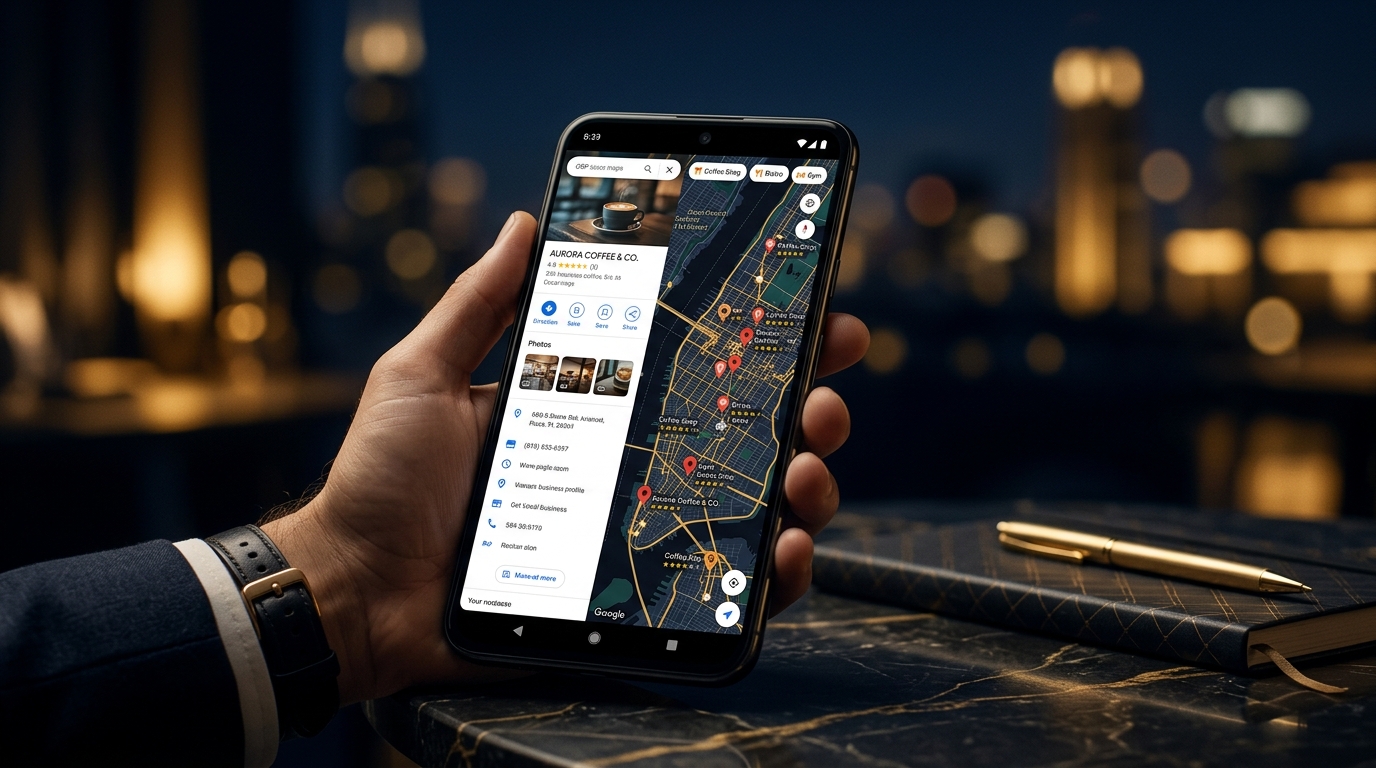
Walk through any busy street in Pune, Nashik, Nagpur, or any town across Maharashtra — and you will see customers with phones in hand, searching for the nearest doctor, mechanic, restaurant, or clothing store. That search almost always starts on Google. If your business is not showing up, someone else's is.
Google Business Profile (formerly called Google My Business) is the single most important free tool a local business can use. This guide walks you through everything — from basic setup to the finer optimisation steps that most businesses skip.
What Is Google Business Profile and Why Does It Matter?
When someone searches for "bakery near me" or "plumber in Pune," Google shows a map section with business listings before the regular website results. This is called the Local Pack. Businesses that appear here get significantly more calls, visits, and enquiries than those that only appear in regular search results.
Your Google Business Profile is the information Google uses to populate these listings: your name, address, phone number, hours, photos, reviews, and more. Without a profile — or with a poorly managed one — you are essentially invisible to nearby customers searching right now.
Step-by-Step: Setting Up Your Google Business Profile
Step 1: Claim or Create Your Profile
Go to business.google.com and sign in with a Google account. Search for your business name. If it already exists (Google sometimes creates basic listings automatically), claim it. If not, add your business.
Step 2: Choose the Right Business Category
Your primary category is one of the most important ranking factors in local search. Be precise. "Dental Clinic" is better than "Health & Medical." You can add secondary categories too — for example, a dental clinic might also add "Cosmetic Dentist" or "Teeth Whitening Service."
Step 3: Verify Your Business
Google needs to confirm you own or manage the business. The most common method is a postcard sent to your business address with a verification code. Some businesses can verify via phone or email. Without verification, your profile will have limited visibility.
Step 4: Complete Every Section
Google rewards complete profiles. Fill in all of these:
- Business name (exactly as it appears on your signage)
- Full address, including locality and PIN code
- Phone number (local number preferred)
- Website URL (if you have one)
- Business hours — including holiday hours
- Business description (750 characters, use keywords naturally)
- Services or products list
- Opening date
- Attributes (wheelchair accessible, parking, payment methods, etc.)
Photos: The Single Most Underused Feature
Businesses with photos receive significantly more direction requests and website visits than those without. Yet most local businesses either have no photos or upload blurry mobile shots taken years ago.
What to upload:
- Cover photo — Your shopfront or most recognisable visual
- Interior photos — Let customers see your space before they arrive
- Product/service photos — Real photos of your work, not stock images
- Team photos — Build trust with a human face
- Before & after photos — Especially effective for services like salons, auto repair, or home renovation
Aim to add at least 10 high-quality photos when you start, and add new ones regularly. Google notices activity.
Google Reviews: How to Get More — and How to Respond
Reviews are one of the top factors in local ranking — and they are also what customers look at before deciding to contact you. A business with 50+ genuine reviews will almost always outperform a competitor with 5.
Getting Reviews
- Ask satisfied customers directly — most will be happy to help if they had a good experience
- Create a short review link (from your Business Profile dashboard) and share it via WhatsApp
- Add a "Leave us a review" note on invoices or receipts
- Never offer incentives for reviews — Google prohibits this and it damages trust
Responding to Reviews
Respond to every review — positive or negative. For positive reviews, a brief, warm thank-you is enough. For negative reviews, stay professional, acknowledge the concern, and offer to resolve it offline. How you respond tells future customers as much as the review itself does.
Google Posts: Your Profile's Built-in Feed
Most businesses never use this feature. Google Posts let you share updates, offers, events, and product highlights directly on your profile. They appear in your listing on Google Search and Maps.
Posting once a week keeps your profile active and signals to Google that your business is engaged. Use it to announce seasonal offers, new services, or helpful tips for your customers.
Common Mistakes That Hurt Your Rankings
- Inconsistent NAP (Name, Address, Phone) — Your details must be identical across your website, social profiles, directories, and GBP. Even small differences confuse Google.
- Ignoring the Q&A section — Anyone can post questions and anyone can answer them. Seed this section yourself with common customer questions, or wrong answers may appear.
- Wrong business category — This affects which searches you appear in. Review competitors who are ranking well and compare categories.
- Not updating hours for holidays — If customers arrive and you are closed, they leave a bad review. Keep hours current.
- No photos or outdated photos — First impressions matter. Dull or missing photos lose customers before they even call.
GBP Optimisation Checklist
- Profile claimed and verified
- Business name, address, phone accurate and consistent
- Primary category correctly set
- Business description uses relevant keywords naturally
- Hours complete and up to date (including holidays)
- Minimum 10 high-quality photos uploaded
- Services or product list filled in
- At least one Google Post published
- Q&A section seeded with common questions
- All reviews responded to
Frequently Asked Questions
Is Google Business Profile free?
Yes, completely free. Google charges nothing to create, verify, or manage a Business Profile. You only pay if you choose to run Google Ads alongside it.
How long does it take to rank on Google Maps?
There is no fixed timeline. A well-optimised profile in a less competitive area could see results within weeks. In competitive markets or cities, it can take 3–6 months of consistent effort — reviews, posts, photos, and NAP consistency — before you see strong visibility.
Do I need a website for Google Business Profile to work?
No. A website helps, but it is not required. Many small businesses get substantial enquiries through Google Maps alone without a website. That said, having a professional website strengthens your overall local SEO significantly.
Can I manage GBP myself or do I need an agency?
You can manage the basics yourself — setup, photos, responding to reviews, updating hours. Where an agency adds value is in advanced optimisation: category strategy, citation building, managing multiple locations, and integrating GBP with your broader local SEO efforts.
Final Thoughts
Google Business Profile is not a set-it-and-forget-it tool. The businesses that consistently appear at the top of local search are the ones that treat it as an active part of their marketing — updating photos, responding to reviews, and posting regularly.
If you are a local business in Maharashtra and you have not yet fully optimised your GBP, start this week. It is one of the highest-return investments you can make in your digital presence.
Need help with your Google Business Profile? Our team at Nexventa specialises in local SEO and GBP management for businesses across Maharashtra. Get in touch and let's talk about your business.